Most small businesses end up with one of two websites.
The first is a page builder. Every word, every heading, every page is editable by the owner. That sounds like freedom until the afternoon someone rewrites the homepage to sound friendlier, and the town names and service words that made the page show up in search quietly disappear with the old copy. Nothing warns them. The phone just rings less.
The second is a site only the developer can change. The search work stays safe, but every new set of hours is an email and a wait. So the site goes stale, and a stale site is worse than a missing one: a customer reads Saturday hours that ended a month ago and drives to an empty lot.
We built Lucy's Coffee Express a third kind. We have written before about how her site ties the brand to Cochise County. This post is about the part of the site she runs herself.
What Actually Changes in a Week
For a mobile espresso bike, the words on the site do not change from week to week. The catering pages, the town pages and the FAQ say the same true things this month that they said last month.
What changes is everything a customer checks before they come: where the bike is today, whether it is closed, the hours, this week's special, the newest review, the newest photo. That list is short. So that list is the editor.
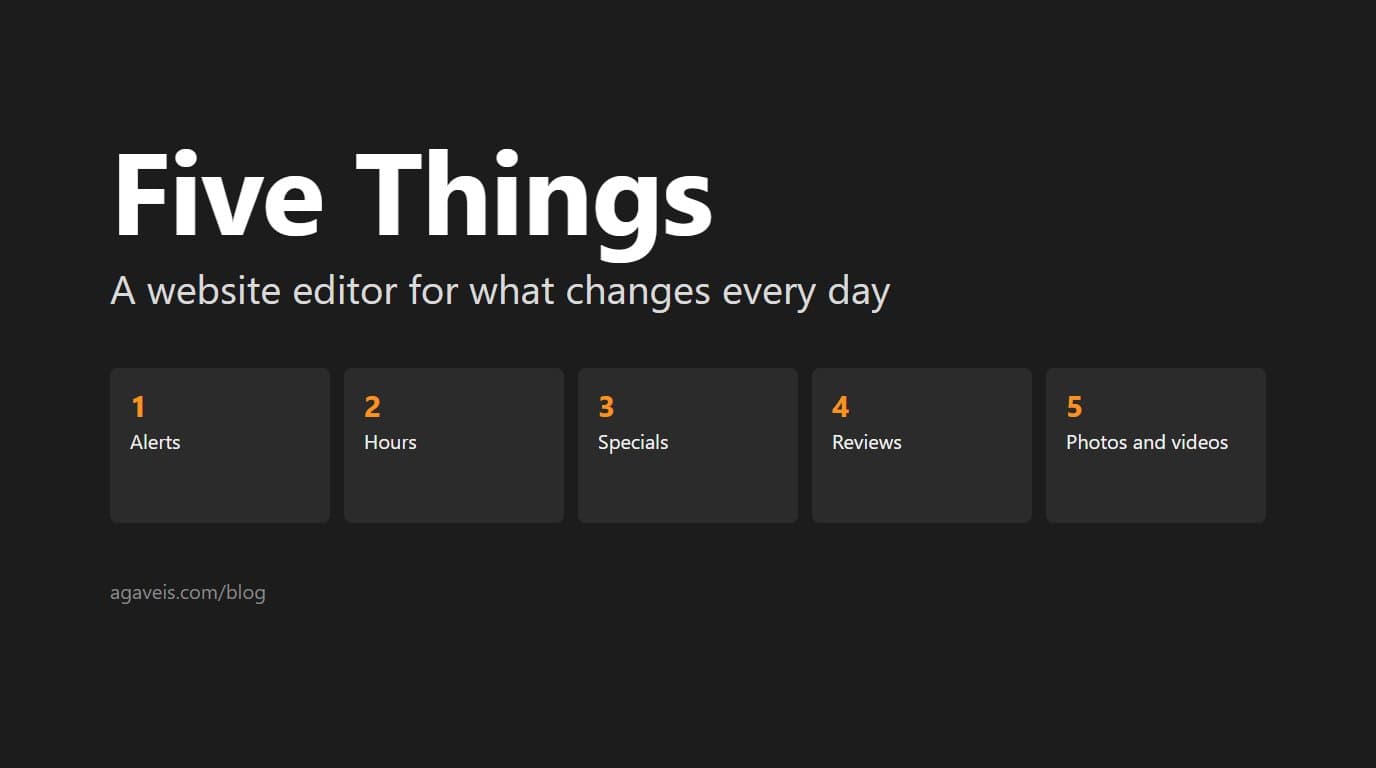
The Five Things
Alerts. A bar across the top of every page, in one of three kinds:
- Where the bike is, with a Get directions button when she pastes in a Google Maps link.
- Closed or schedule change, for weather, holidays and sold-out days.
- News, for everything else.
Up to three can show at once, and each one carries a show-until date that defaults to today, so yesterday's location never lingers into tomorrow.
Hours. The days, the open and close times, and a short note.
Specials. A title, the details, a flyer image, start and end dates, and an optional discount code that customers tap to copy.
Reviews. Real reviews, copied in word for word, with the stars and a link to where they were posted.
Photos and videos. Straight from her phone's camera roll.
That is the whole editor. The page copy, the town pages, the event pages and the layout are not in it.
Why the Rest Stays Locked
The pages that bring in search traffic are the town and event pages. They rank because of the words on them, and an editor that can change those words can undo months of search work in one afternoon.
So the editor cannot reach them. It is not a permission setting that could be switched on by accident. Those pages are simply not part of what the editor writes. The daily content lives in one place, the pages that get found live in another, and a busy morning cannot touch the second.
When the business needs new page copy, a new town or a new service, that is a change we make with her, and the search work moves forward instead of being undone.
Built for a Phone, Between Orders
No password. She signs in with a link sent to her email. The link works once and expires after 15 minutes, and it is opened by a button press on the page rather than the click in the email, so email security scanners that preview links cannot use it up. After that she stays signed in for 30 days.
No publish step. A save shows on the next visit to any page on the site. There is no draft queue and no waiting on us.
No file wrangling. Photos and videos upload from the phone as they are.
Mistakes Are Undoable
Every save keeps the version before it for 90 days, so a bad save can be rolled back to the last good one.
And the editor can reach only her own content. The account it runs under can read and write her content storage and nothing else on our servers.
The Question to Ask About Your Own Site
If you run a local business, the useful question is not "can I edit my website?" It is "which parts should I be able to edit?"
For most businesses the answer is the same short list: the things customers check before they come. Hours, location, specials, closures, fresh photos, recent reviews. Those should take you thirty seconds from your phone. The words that make you findable should be protected from the busiest day of your week.
We build local-first websites for Arizona businesses, in Phoenix, Scottsdale and beyond, with an editor sized to what your business actually changes. If you want to know where your current site stands first, start with a free website check.
Agave Information Solutions builds custom software, local-first websites, SEO, and private AI search solutions for organizations that want to be found. Based in Scottsdale, serving all of Arizona.