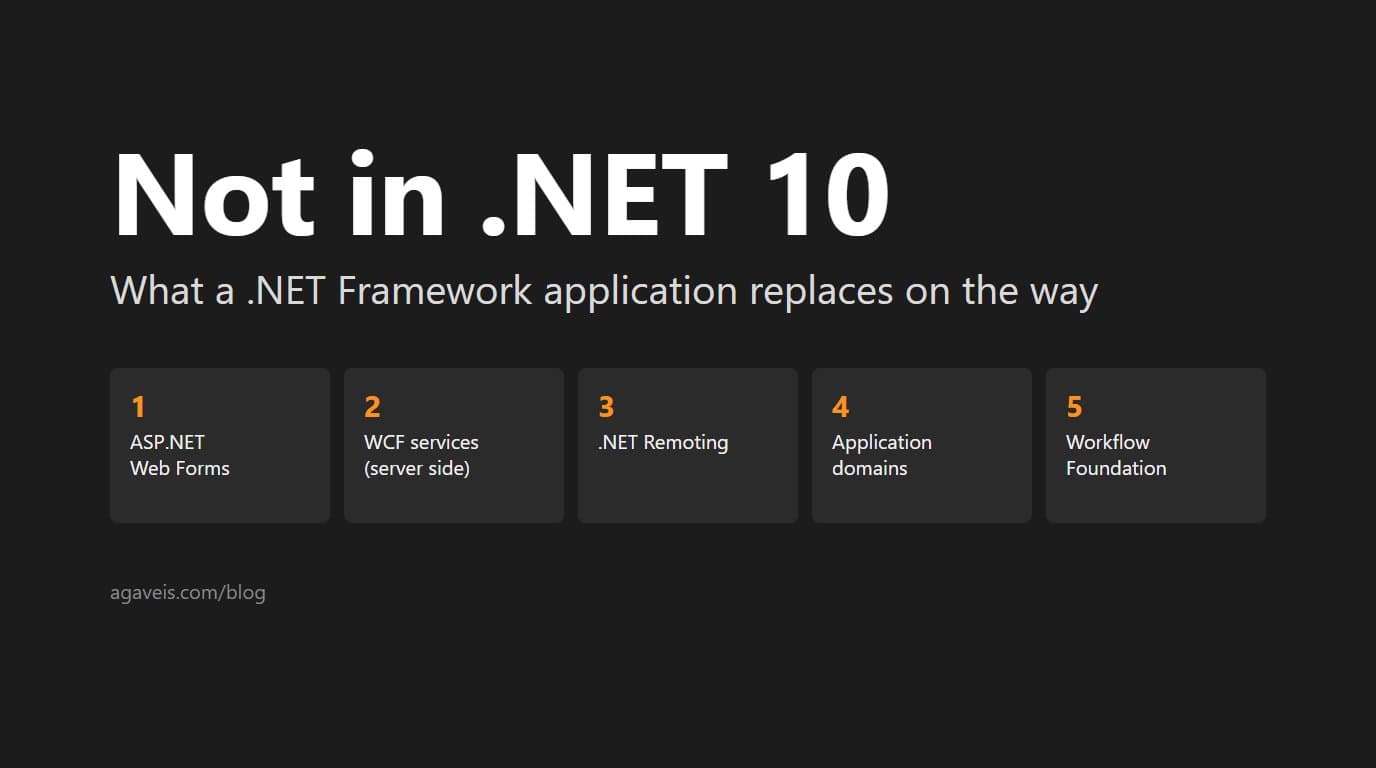
Most .NET Framework code moves to .NET 10 with a new project file and updated packages. A short list of technologies does not move at all, because they do not exist there. An application that depends on one of them has to replace it, and that replacement is where most of a migration's time goes. This is the list, what takes the place of each item, and a way to count them in your own code.
The List, From Microsoft
Microsoft keeps the list on its page .NET Framework technologies unavailable on .NET, which opens: "Several technologies available to .NET Framework libraries aren't available for use with .NET 6+." Its guide to choosing between .NET and .NET Framework adds the web technologies.
| Technology | On .NET 10 | What replaces it |
|---|---|---|
| ASP.NET Web Forms | Does not exist | Razor Pages or Blazor on ASP.NET Core |
| WCF services (server side) | Not built in | CoreWCF, or ASP.NET Core APIs and gRPC |
| .NET Remoting | Not supported | Pipes on one machine, HTTP or gRPC between machines |
| Application domains | One per process | Separate processes or containers |
| Code access security | Not supported | Operating system boundaries: containers, user accounts |
| System.EnterpriseServices (COM+) | Not supported | Microsoft names none |
| Windows Workflow Foundation | Not supported | CoreWF |
ASP.NET Web Forms
Microsoft's wording leaves no room: "ASP.NET Web Forms are only available in .NET Framework. ASP.NET Core can't be used for ASP.NET Web Forms." No .aspx page, code-behind file, server control or ViewState field runs on .NET 10. The pages are rebuilt, as Razor Pages where a page is a form and a table, and as Blazor where it is interactive.
What sits under the pages is another matter. Business rules and data access in class libraries are code that moves. Our post on .NET Framework 4.8 ends with an example: a Web Forms application rebuilt on the same database.
Microsoft does not force the move. The same guide says "In most cases, you don't need to migrate your existing applications to .NET," and a Web Forms application on .NET Framework 4.8 stays supported for as long as the Windows Server under it. What it cannot do is use anything built for .NET since.
WCF Services
The server side of Windows Communication Foundation is not part of .NET 10. Microsoft's answer is CoreWCF, which its support policy describes as "a port of Windows Communication Foundation (WCF) to .NET and .NET Core." CoreWCF 1.9, released April 24, 2026, is supported on .NET 10 and .NET 11, with end of support listed as "November 14, 2028 or six months after the next major or minor version release."
That support covers five packages: CoreWCF.Primitives, CoreWCF.Http, CoreWCF.NetTcp, CoreWCF.WebHttp and CoreWCF.ConfigurationManager. A service on HTTP or net.tcp bindings fits. A service on MSMQ or named pipes is outside that list.
So there are two ways out. Keep the contracts and host them on CoreWCF, which leaves every client untouched. Or replace the service with ASP.NET Core APIs or gRPC, which is the better long-term shape when you control the clients too. Two relatives stay behind: Microsoft lists Workflow Services and WCF Data Services as "only available in .NET Framework."
.NET Remoting
".NET Remoting isn't supported on .NET 6+," and Microsoft says why: it "was identified as a problematic architecture." The replacements it names depend on distance. Inside one machine, System.IO.Pipes or a memory-mapped file. Between machines, "a low-overhead plain text protocol, such as HTTP," which in practice means an ASP.NET Core API or gRPC.
Remoting hides in one more place. Calls to BeginInvoke() and EndInvoke() on delegates compile on .NET 10 and then throw PlatformNotSupportedException when they run. Search for them before the first test finds them.
Application Domains
A .NET 10 process has one application domain. "Creating more app domains isn't supported, and there are no plans to add this capability in the future." Plug-in hosts and anything that unloads code by unloading a domain are affected. For isolation Microsoft points to "separate processes or containers," and for loading assemblies at run time to the AssemblyLoadContext class.
The trap is the same as with remoting: part of the AppDomain API still exists so that old code compiles. Some members work, some do nothing, and CreateDomain throws.
The Shorter Entries
- Code access security and security transparency: not supported. Microsoft's replacement is "security boundaries provided by the operating system, such as virtualization, containers, or user accounts."
- System.EnterpriseServices: "System.EnterpriseServices (COM+) isn't supported by .NET 6+." No replacement is named.
- Windows Workflow Foundation: not supported. Microsoft points to the CoreWF project.
- ASP.NET Web Pages: "ASP.NET Web Pages aren't included in ASP.NET Core."
- XSLT script blocks: "supported only in .NET Framework."
- Multi-module assemblies: not supported. Merge the modules into one assembly.
What Moves With Little Change
The rest of a typical codebase. Microsoft's porting overview says libraries, console apps and desktop apps "usually require little change." Windows Forms and WPF are both in .NET 10, as Windows-only technologies. Code that reads the Registry or uses other Windows APIs gets them back through the Windows Compatibility Pack.
Count Them Before Anyone Quotes the Work
Run these two PowerShell lines at the root of the solution. The first counts the files that are Web Forms pages, user controls and service endpoints. The second counts the lines that use the other technologies on the list.
(Get-ChildItem -Recurse -Include *.aspx,*.ascx,*.asmx,*.svc).Count

Get-ChildItem -Recurse -Include *.cs,*.vb,*.config | Select-String -SimpleMatch -Pattern 'System.Web.UI','ServiceHost','System.Runtime.Remoting','AppDomain.CreateDomain','System.EnterpriseServices','System.Activities','msxsl:script' | Group-Object Pattern | Select-Object Count, Name
Those numbers size the job better than a line count does. Tools help with the rest: Microsoft's upgrade overview now recommends the GitHub Copilot app modernization agent and marks the older .NET Upgrade Assistant as "officially deprecated." A tool can retarget a project file. It cannot decide what replaces a remoting channel or two hundred Web Forms pages.
We migrate .NET Framework applications to .NET 10 at a fixed scope and a fixed fee, priced after reading the code. The assessment produces this inventory for your codebase, with a plan for every item on it. The .NET modernization page lists the patterns we move and the order we move them in.