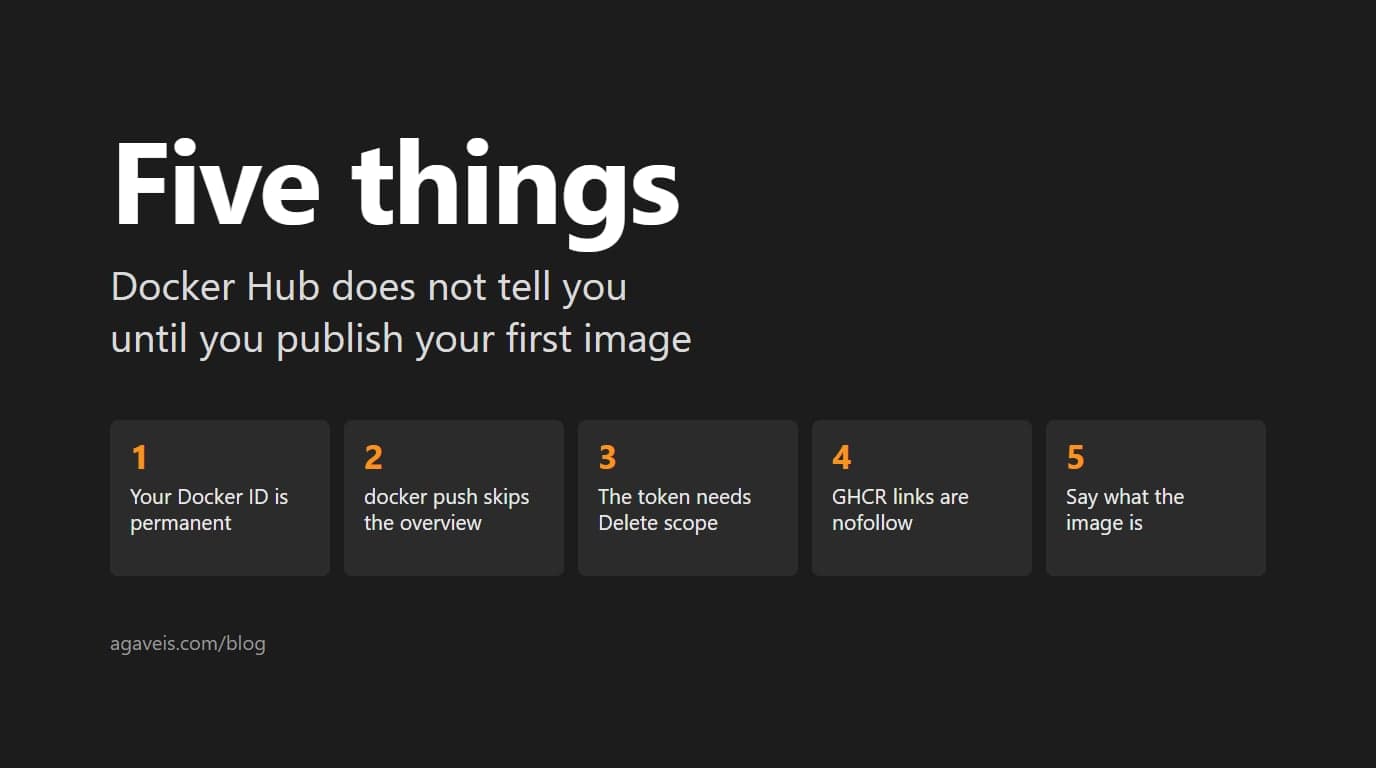
This morning we put two small images on Docker Hub: the Hiberden MCP connector and the Easy2257 MCP bridge. Both are built and pushed by GitHub Actions on a release, with the overview page written from the repository README. The push itself took a few lines of workflow. Everything around it had a catch that the documentation mentions quietly or not at all. Here are the five, in the order we hit them.
1. Your Docker ID Is Permanent, and Single Sign-On Picks It for You
Sign up with Google or GitHub and Docker assigns a generated handle. Ours came out as a string of letters and numbers nobody would type. The account FAQ is blunt about what happens next: "You can't change your Docker ID once it's created. If you need a different Docker ID, you must create a new Docker account with a new Docker ID." Deactivated IDs are retired for good.
The fix is to sign up with an email address and type the ID you want into the form, before anything is pushed. If you want a namespace that is not a person, know that creating an organization starts with choosing a paid plan, so a small shop usually publishes under one personal namespace named for the company.
2. docker push Does Not Publish Your README
On GitHub, the README is the repository page. On Docker Hub it is a separate field, the overview, and nothing in a push touches it. A new repository shows an empty page under its tags until you paste the text into the Hub UI or set it through the Hub API.
We set it from the workflow, so the Hub page can never drift from the README in the repository. The peter-evans/dockerhub-description action does this in one step. It has a catch of its own, which is the next item.
3. The Token Needs Delete Scope to Write a Description
A Docker Hub personal access token with Read and Write scope can log in and push. It cannot update the overview. The action's README says the token needs read, write and delete scope, and we read that line only after planning a read-and-write token. Create it with all three the first time, or you will create it twice.
Set the secret through a prompt rather than a flag. gh secret set DOCKERHUB_TOKEN -R owner/repo asks for the value and never echoes it, so it does not land in a shell history, a transcript or a chat window. A token that has been pasted anywhere visible is a token to revoke.
4. If You Already Publish to GHCR, Add Docker Hub as a Second Tag, Not a Second Build
PremAgentic's connector already ships through GitHub Container Registry, and its entry in the MCP Registry points there. That stays. We are adding Docker Hub as a second tag on the same build, so the digest matches and nothing in the registry metadata changes.
Why bother with a second registry at all? Because people look for images on Docker Hub, and because the overview is a plain web page. Search engines index it, and its outbound links are ordinary links. GitHub's package and README pages mark every external link nofollow, and so do NuGet and PyPI project pages. If you want the page where your project is first found to send readers on to your documentation, Docker Hub is the one that does.
5. Say What the Image Is, Because the Overview Is Where People Decide
Registries that list MCP servers build the image in a sandbox and run an introspection handshake against it: initialize, then list the tools. Our Hiberden connector image exists for that check, and for anyone who wants to inspect the tool surface without installing anything. It ships with no catalog, so it starts, reports itself, and has no archives to answer about. The overview says so, and it says where the real application lives.
The Easy2257 image is different again. The server is hosted, and the image is a small stdio bridge for assistant clients that cannot send an API key header on their own. The overview says that in its first paragraph. An image that quietly does less than its name suggests costs you the trust of the one person who pulled it.
Two Smaller Ones
- Tag collisions. Our workflows run on a published release. One repository already had a
v1.0.0tag from an earlier listing release, and moving a tag is not an option. The workflow also accepts a manual run with a version input, and that is how the first image went out. - Architectures. Build for amd64 and arm64 when your binary allows it; the bridge image does. The Hiberden connector ships one x86_64 Linux binary today, so its image is amd64 only.
The workflows are public in the hiberden-mcp and easy2257-mcp repositories if you want to copy one. If you are building an MCP connector of your own, our earlier post on desktop versus hosted MCP servers covers the choice that decides which kind of image you need.